

Click HERE for Italian or HERE for English.
1. Using VUEM
Vuem can be accessed from desktop, tablet or mobile device by opening the web address vuem.cloud from the system browser.

The interface is optimized for mobile use and it is possible to create a web app using the “add to home” function of your mobile browser.

2. Account Activation
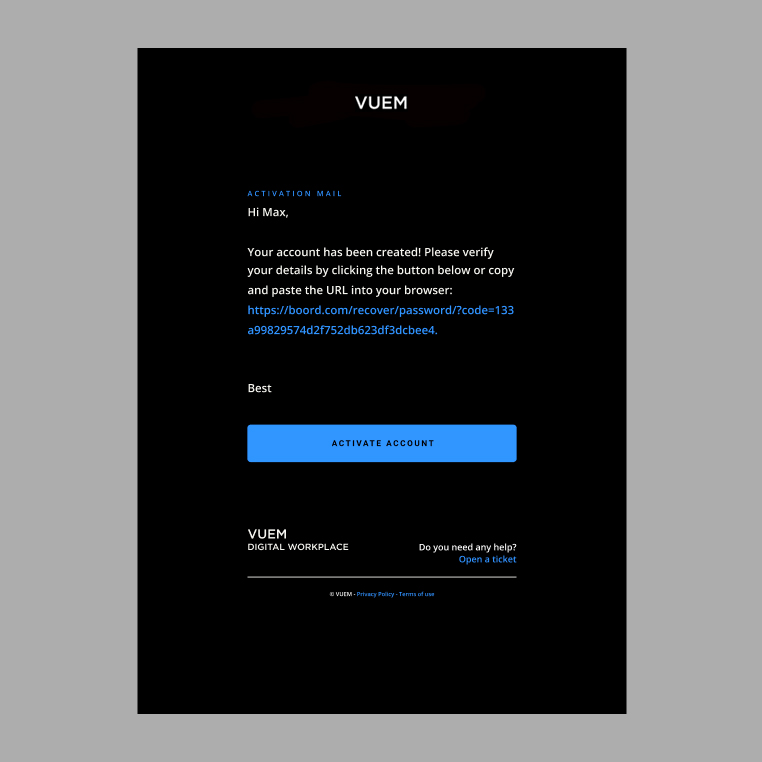
Once your account has been created you will receive an email with an activation button or link.
Confirm the personal data of your account and set a password which together with your email address will be the credentials to access the software at any moment from the url vuem.cloud.
3. Login
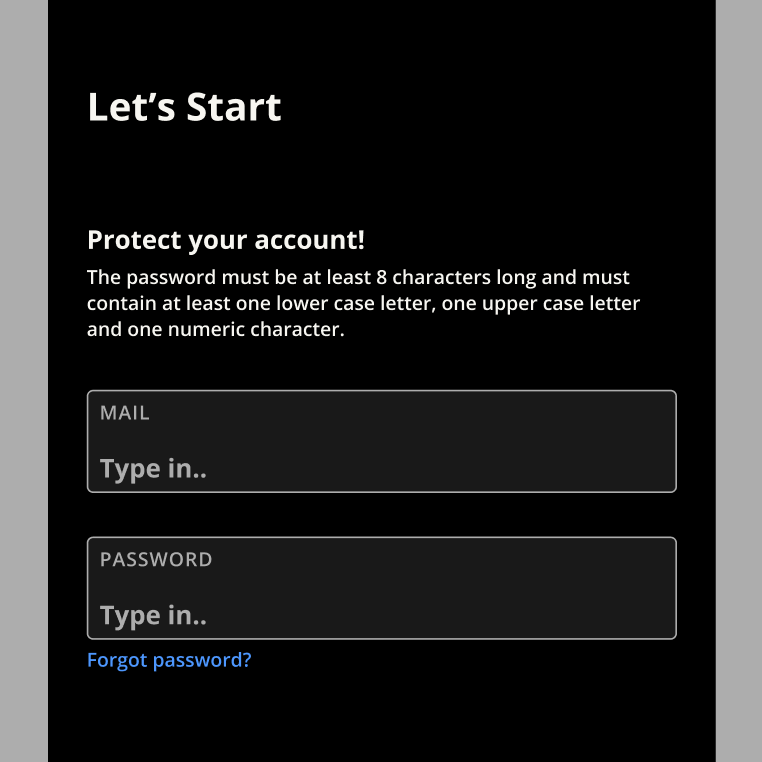
Enter your email address registered on VUEM and your password to access the software. If you don’t remember your password, you can reset it using the “Forgot password?” link.
Your email address is the one registered by the administrator and may coincide with your company email address.
4. Your Account
Your account contains information such as your role, your branch, your contacts and your permissions. Your account administrator may have added this data for you. Once your profile is activated, complete your missing data and information.
5. Password reset and recovery
Through “Forgot Password?” link it will be possible to reset the previously set password and create a new one.